
SCOPING GUIDE · SINGAPORE
How Website Projects Are Scoped
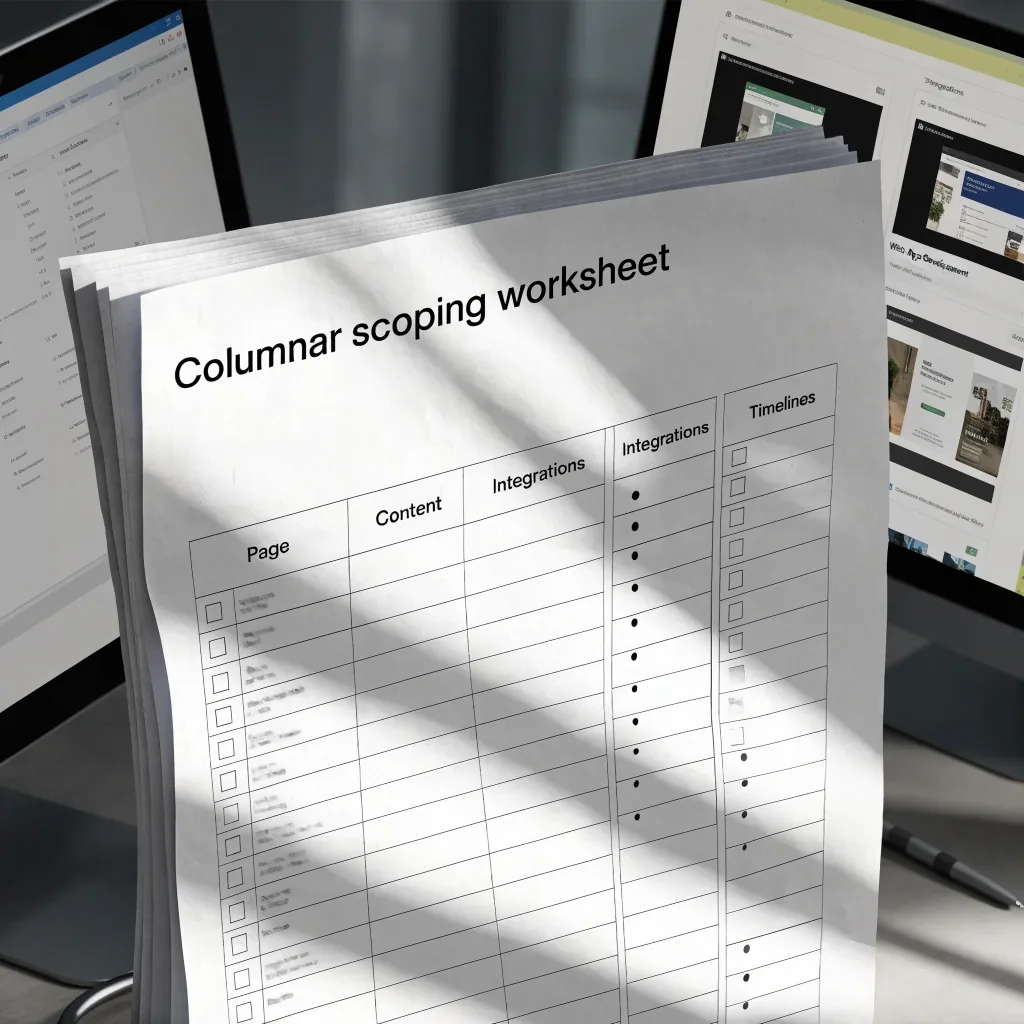
A written scope turns a website idea into pages, content, integrations and a sequence you can compare quotes against. This guide walks through what belongs in it.
Updated 2 November 2026
Why projects drift before code
Scoping is a writing task, not a design task
Most website projects go wrong before anyone writes code. The brief stays vague, assumptions fill the gaps, and the finished site misses what the business actually needed. Scoping is the step that prevents this. It turns an idea into a written description of pages, content, integrations and sequence, so that quotes are comparable and timelines are realistic.
The work is unglamorous. You write down what the site must do, who supplies each piece, and in what order it gets built. What follows is the order that tends to hold up on Singapore marketing sites, retail catalogues and small custom builds alike.
What a scope document contains
A usable scope is short but specific. It lists the page types and how many of each, describes what each one must do, names the integrations, states who supplies content, and sets the order of work. It also records what is out of scope, which is the section clients skip and later regret. For a Singapore SME site, that might mean ten marketing pages, a blog, a contact form routed to a CRM, and an analytics setup, with e-commerce explicitly deferred to a second phase. Written down, those boundaries keep a project from drifting.
PAGE INVENTORY
Types and counts, written out
Home, service pages, about, contact, blog, legal. Say how many of each and what each one has to accomplish. Ten marketing pages is a different build from four, and the count decides navigation, template work and the editorial calendar.
CONTENT OWNER
Who writes and who approves
Name a person, not a department, for service copy, product photography, team pages and legal text. Approvals stall silently; a named owner with a date per section is the difference between a schedule and a wish.
OUT OF SCOPE
The list that saves the project
Multi-language rollout, member logins, a stock feed, an app in phase two. Each exclusion gets one line and a note on when it might be revisited. Boundaries written early are cheaper than boundaries argued later.
Starting from the visitor's job
Before page counts, describe what a visitor should be able to do. Find your address, request a quote, compare two services, book a slot, check stock. Each of those jobs implies structure: where the form sits, what the confirmation says, which fields are required.
Sites planned around visitor tasks tend to need fewer pages, because content is grouped by intent rather than by internal departments. This is also the point where search visibility gets decided, since page architecture and internal linking follow from the same map. Draw the jobs first; the sitemap falls out of them.
VISITOR JOB
WHAT IT IMPLIES
Request a quote
A form with the fields you actually need, plus a confirmation that says what happens next
Compare two services
Shared structure between service pages so the reader can scan across, not re-learn each page
Book a slot
Calendar rules, cancellation wording and a reminder path — decided before design
Find the address
Contact details kept in one place, consistent everywhere they appear
Check stock
A catalogue feed and what happens when an item is unavailable
Each row becomes a page or a section. If a job has no owner in the build, question it.

Content is the long pole
Where launch dates actually slip
Development is rarely the bottleneck. Content is. Product photography, service descriptions, team pages, legal text and translations all take longer than clients expect, and they block layout decisions. A page cannot be finished until its words exist, so a missing paragraph can hold an entire template.
A practical approach is to agree a content owner on the client side and a deadline per section, then build around the sections that are ready. If copy is being written from scratch, budget for a drafting and review cycle, and expect at least one round of edits after the first read-through. On many WordPress builds, content readiness is the single biggest influence on launch date.
BEFORE BUILD
Agree the owner, the per-section deadline and the review route. Build the sections that already have final copy.
DURING BUILD
Track which sections are still drafts. A page in review is not a page ready to publish, and the schedule should say so.
Integrations deserve their own line
List every system the site must talk to: payment provider, courier or fulfilment, accounting, CRM, email marketing, messaging. Each connection has authentication, rate limits and error behaviour that need testing. Some, like a standard payment gateway, are well documented. Others, like a legacy internal tool, may need a middleware layer or a manual export. Naming them early lets a developer estimate honestly instead of discovering the work mid-build.
SYSTEM
WHAT TO SETTLE FIRST
WHERE IT TENDS TO SLIP
Payment provider
Merchant account, currency, refund policy, which order states exist
Test transactions and refund flows often surface last, after layout is signed off
CRM
Which fields matter, what happens to a partial submission, who reads the inbox
Field mapping and duplicate rules are usually the slow part, not the connection itself
Courier or fulfilment
Rate rules, service levels, tracking hand-off, what to show when a quote fails
Rate-limit and timeout behaviour needs a plan before launch traffic arrives
Email marketing
Consent wording, list structure, what triggers a subscribe event
Consent language and double opt-in rules belong in the legal review, not after
Internal or legacy tool
Whether it has an API at all, and who owns access to it
Middleware or a manual export may be the honest answer; both change the estimate
Choosing a platform against the scope
Once the scope is written, the platform choice becomes easier. Read the scope back against each platform's strengths and see which parts would need workarounds. Workarounds are where maintenance costs hide, so they deserve a line in the estimate rather than a shrug in the kickoff meeting.
CONTENT-LED SITES
WordPress
Fits content-led sites and gives editors familiar tools. Strong when the page inventory is large, publishing happens often, and several people need to edit without a developer. Plugins cover common integrations, and plugin upkeep becomes part of the maintenance plan.
Watch for: a scope that lists unusual editorial workflows, or a catalogue with real order flow — those drift toward other platforms.
MARKETING SITES
Webflow
Suits marketing sites where publishing speed and design control matter, and where the page set is stable.
RETAIL CATALOGUES
Shopify and Shopify Plus
Built around retail catalogues with real order flow — stock, checkout, refunds and fulfilment already have shape.
UNUSUAL RULES
Custom code
Fits configurators, portals and booking logic. Higher build cost, no platform ceiling.

Simple wireframes of the main journeys reveal missing steps and awkward form flows before build starts.
UI and UX in the scoping stage
User interface and user experience work should not start after the scope, it should inform it. Simple wireframes of the main journeys reveal missing steps, awkward form flows, and pages that exist for no reason. They also give everyone a shared picture, which shortens review cycles.
In Singapore, where many sites serve both local and regional audiences, this is also the moment to settle language, currency, and contact expectations per market. Decide whether English-only is the real answer for phase one, and write that decision into the scope.
-
Sketch the four or five journeys that matter, not every page.
-
Walk each form end to end, including the confirmation screen.
-
Note where a page exists only because a department asked for it.
Realistic timelines
A scoped project moves through discovery, design, build, content load, testing, and launch. A small marketing site can complete in a few weeks when content is ready. A site with several integrations, multi-language support, or a large catalogue takes longer, and the extra time sits in integration testing and content migration. Publish the sequence with dates and mark which steps depend on client input. When a date slips, it is then clear why.
SCROLL THE PHASES →
Discovery
1–2 weeks · scope, jobs, page inventory · client
Design
2–3 weeks · wireframes, templates · shared
Build
3–6 weeks · templates, integrations · developer
Content load
1–4 weeks · copy, media, legal · client
Testing
1–2 weeks · integrations, devices · shared
Launch
1 week · go-live, monitoring · shared
Ranges are illustrative. The scope should publish the sequence that applies to your build, with the client-dependent steps marked.
What hosting and maintenance will need
Scope should name where the site will live and who maintains it. Hosting choice affects performance, backups, and how easily you can move later. Maintenance covers platform and plugin updates, security patching, monitoring, and a defined allowance for change requests.
Ask for these as separate line items. A site without a maintenance plan is not finished; it is just launched, and the first unpatched dependency will make that clear.

HOSTING
Environment, backups, staging copy, and what a move to another provider would involve.
MAINTENANCE
Update cadence, security patching, monitoring, and an allowance for change requests.
Reviewing a proposal against your scope
When proposals arrive, compare them to the scope rather than to each other's totals. Check whether every integration is addressed, whether content responsibilities are assigned, and whether support is described with real detail. Ask what assumptions the quote makes, and what would change the price. A lower number that omits integration testing is not cheaper; it moves the cost to a later invoice or an unfinished launch.
The questions below are the ones that tend to separate a proposal written against a scope from one written against a template.
Does the quote name each integration in the scope?
A scope lists the systems; a proposal should answer each one. If a line says only "third-party integrations" without naming them, ask which are included, which are assumed to be simple, and which would be quoted separately. Ambiguity here is what turns into a later invoice.
Who supplies the content, and by when?
Content readiness is the biggest single influence on launch date. A good proposal either includes copywriting and photography as line items or explicitly states that the client supplies them with a date per section. Both answers are workable; silence is not.
What assumptions is the price built on?
Every estimate rests on something: a page count, a single language, a fixed set of integrations, a template count. Write those assumptions next to the number. If two proposals assume different things, their totals are not comparable and the lower one is not automatically cheaper.
How is support described after launch?
Look for a named response path, a maintenance cadence and an allowance for change requests. "Ongoing support" as a single line is not a plan; it is a placeholder. Ask what happens on the first security patch, and who pays for it.
Where to go next
The scope is the part of a website project you can hold in your hand. Write it before you ask for quotes, and the rest of the project becomes easier to compare, sequence and maintain.
COMPARE PARTNERS
Choosing a Development Partner
Criteria rows for comparing an agency, a freelancer and a product studio on process, handover and support.
See how we compare development partnersASK A QUESTION
Contact ViewCyber Digital
Reach the desk on Liakollveien 28B, 1259 Oslo, Norway. Monday to Friday, 9:00 AM to 6:00 PM. Email [email protected] or call +65 6707 0497.
Send a question about scopingAlso worth reading: how we research and update this resource, and the mobile app development guide for MVP sequencing.